
Free Tools for Podcasters and Broadcasters
After more than three decades of great projects with major brands and renowned broadcasters around the globe, we want to give back.
Create
We provide tools for podcasters and broadcasters
Podcasting
- Total freedom — you pick the subject, the language and how long an episode runs. Nobody talks over you.
- Room for the niche — go as deep into one subject as you like and still find the people who care about it, anywhere in the world.
- A low bar to start — no studio to book, no licence to apply for, no slot to be given. The first episode can go out this week.
- Listeners who stay — podcast audiences are famously loyal. What grows around a show is a community, not a crowd.
Broadcasting
- The pull of live — the adrenaline of going on air, and answering your listeners in the moment, is something no recording gives you.
- Everything in one hour — music, short news, entertainment and your own personality, inside a format that holds it together. You dig out new songs and shape what your station sounds like.
- A frame to work in — fixed slots and a clear format are not a limit; they give a show its rhythm and its professional footing.
Whether you already have years of experience or you are just starting out, a good microphone, a computer and the right tools are genuinely all it takes to begin. We would like to make that part easy: the tools we think are essential are free for the community. Choose your tools, try them now, and start your exciting journey.
Why are they free? Because we want your voice to be heard. Podcasting and radio get better the more different people take part — every new voice adds something no one else can. So nothing should stand between an idea and an audience: whoever wants to podcast or broadcast should simply be able to. These tools are not brand-new experiments — they are built on proven foundations that have matured and grown over the last 35 years. Thanks to modern AI technologies, we are now able to present them in a fresh and modern look.
If you want to run these tools in an enterprise environment and need deeper integration into your workflows, or with the hardware and software you already have, ask us about our commercial services and the enterprise editions of these tools. With over 35 years of experience in the broadcast industry, we can support you in planning, building or refreshing your studio environment. Just ask if you need our expertise or consulting.
Modules
Two tools for your AoIP studio
Standalone desktop apps for Windows and macOS.
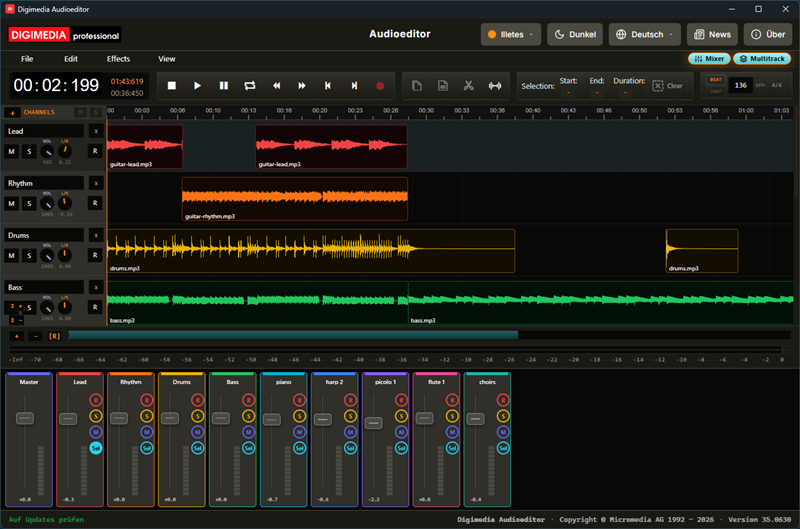
Audioeditor
Free ToolA professional audio editor with Singletrack and Multitrack modes.
Windows · macOS
Details
Beta phase running
Download Beta Version —
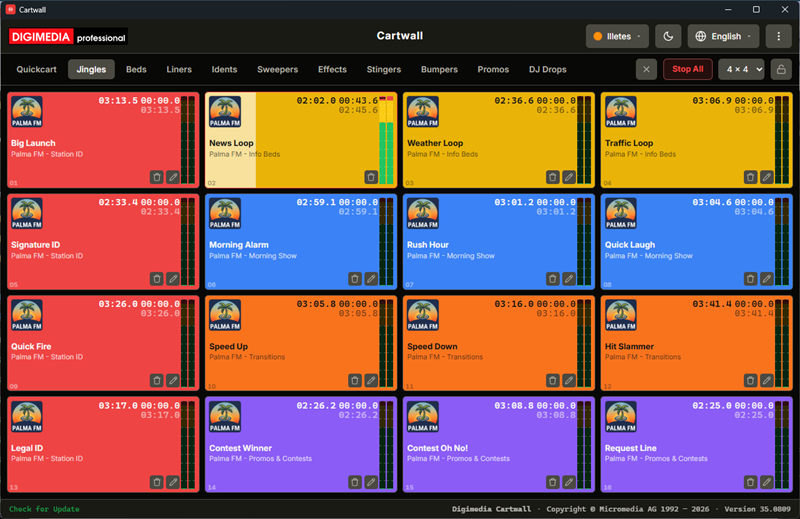
Cartwall
Free ToolA broadcast cart wall — a grid of clickable tiles, each holding one audio file, playing out over one sound card. Press a tile, the audio starts instantly.
Windows · macOS
Version —
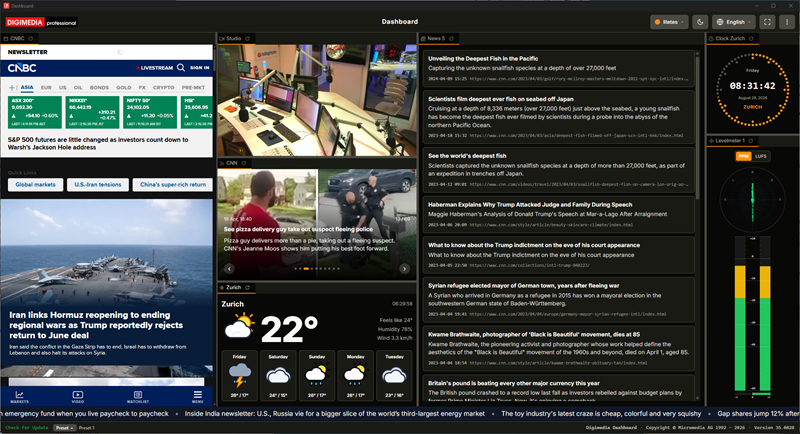
Dashboard
Free ToolA grid of widget panels in one window — live web pages, RSS, video, weather, news, clocks, a broadcast level meter and notes, arranged by dragging and stored as presets.
Windows · macOS
Version —
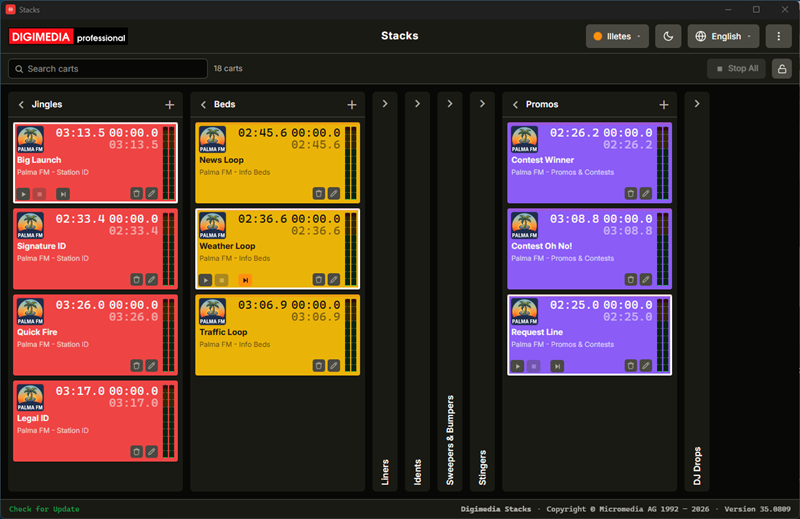
Stacks
Free ToolA broadcast cart player laid out as a board — each list is its own independent player with its own sound card. Arm a cart with a click, fire it with Play.
Windows · macOS
Version —
Explorer
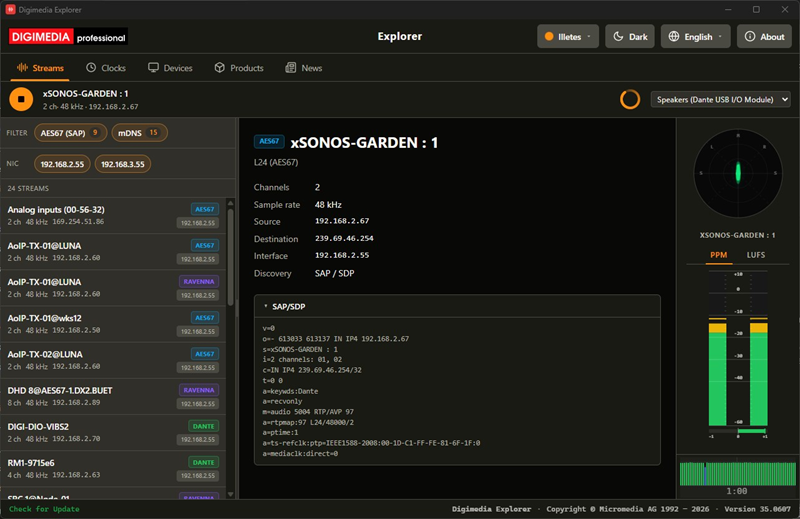
Free ToolDiscover, monitor and route every AoIP stream on the network.
Windows · macOS
Version —
Surface
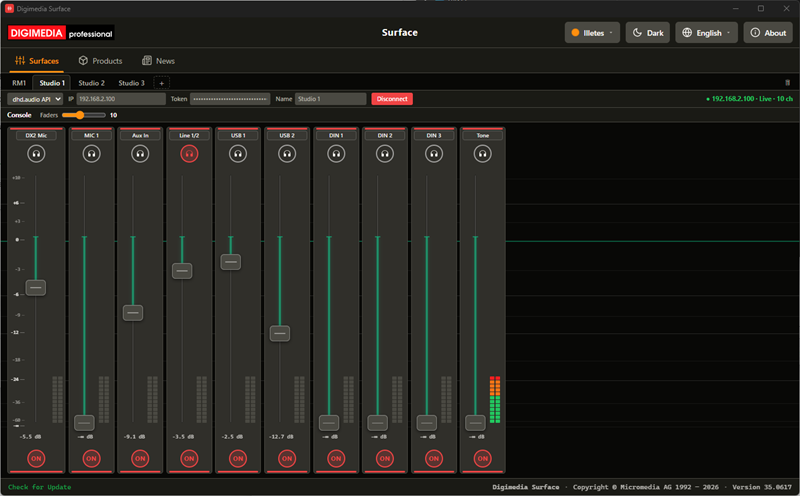
Free ToolControl an iCON P1-X surface from your DHD audio core.
Windows · macOS
Version —
Sounds
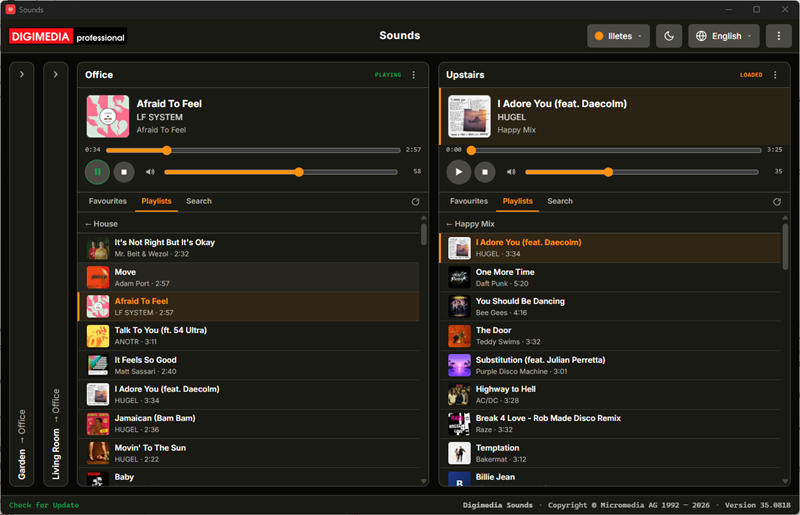
Free ToolPuts up to 99 Sonos™ zones on one screen — each its own card with transport, volume and a browser for favourites and playlists, for studio and on-air background music.
Windows · macOS
Version —
Signage
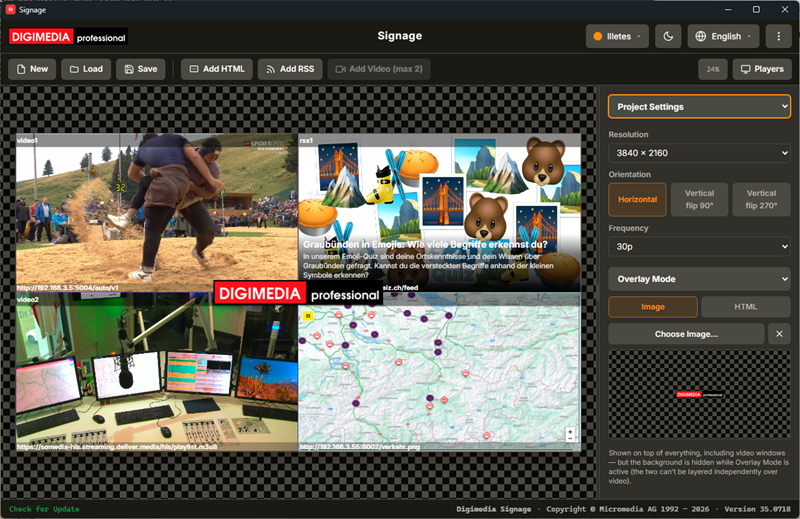
Free ToolVisually design BrightSign digital signage layouts and deploy them straight to a player.
Windows · macOS
Version —
MIDI
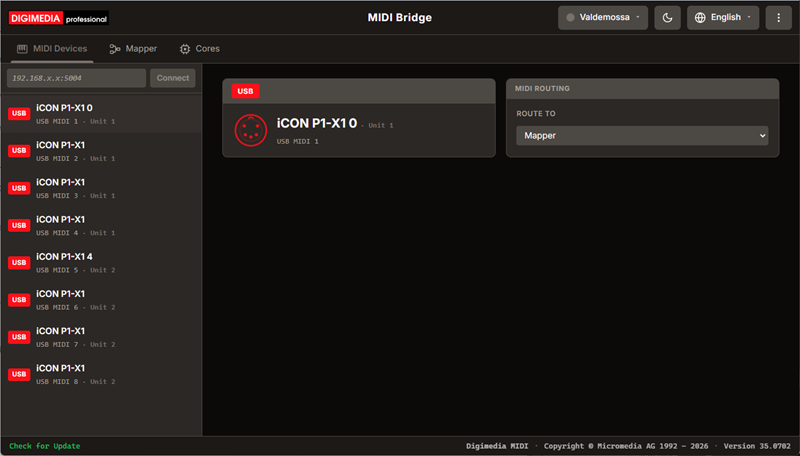
Free ToolBridges Digimedia applications and optional DHD (dhd.audio) consoles to an iCON fader surface over USB-MIDI — a patchbay grid maps any channel to any fader, with multi-surface support and V-Pot channel browsing.
Windows · macOS
Version —
Communicator
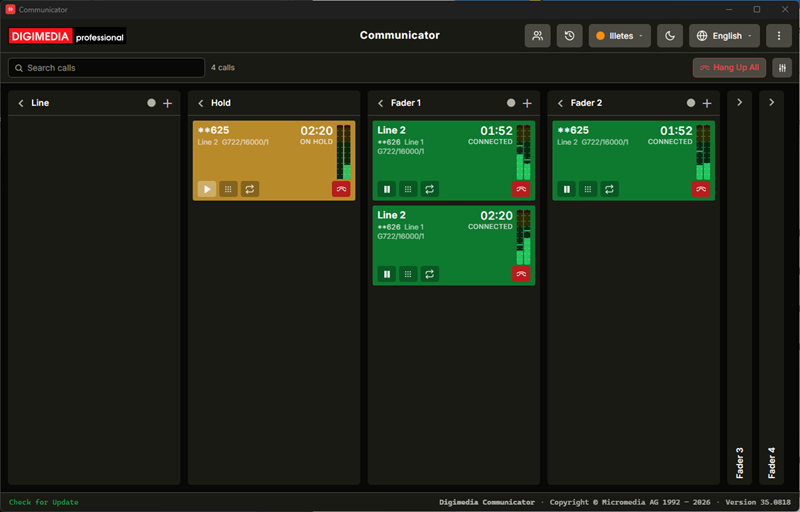
Free ToolA multiline, multi-fader talkshow phone software for any size of radio studio — drag a caller onto a fader to put them on air, in their own stereo conference room. Communicator handles up to eight SIP accounts with optional encryption, records every take as two files and has an Audioeditor built in.
Windows · macOS
Details
Public Beta
Download Beta Version —
VAD
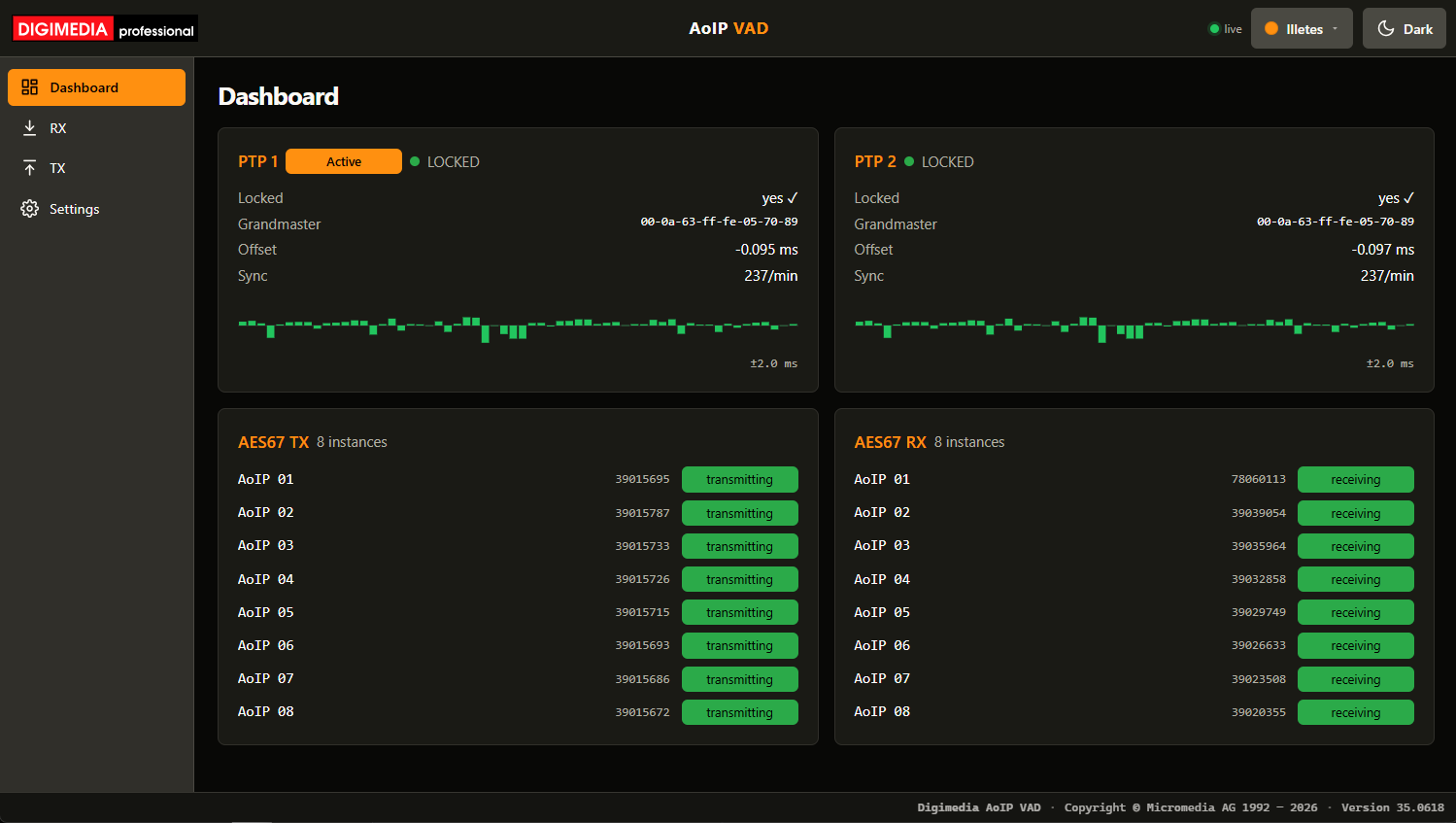
Free ToolA virtual soundcard for AES67 / RAVENNA, PTP-synced, for Windows and macOS.
Windows · macOS
Details
Coming soon
Playout
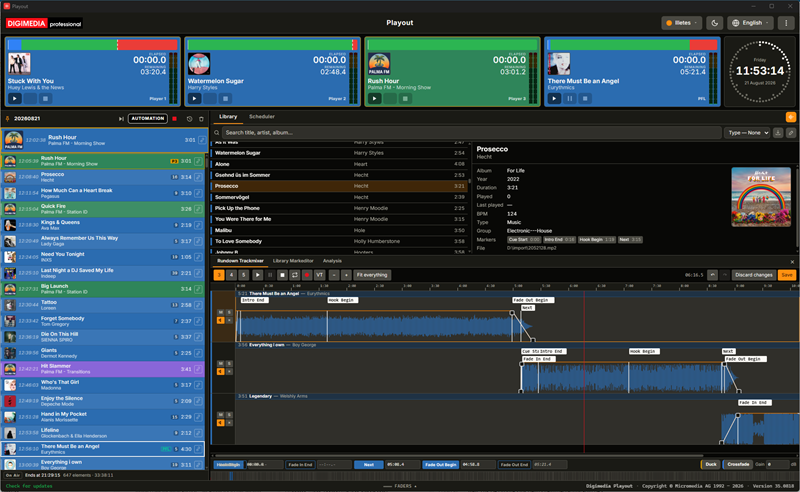
Free ToolA playlist-driven on-air playout system for radio broadcast — pull a fader to start the next element, with an integrated Trackmixer for on-air transitions.
Windows · macOS
Details
Coming end of 2026
Logger
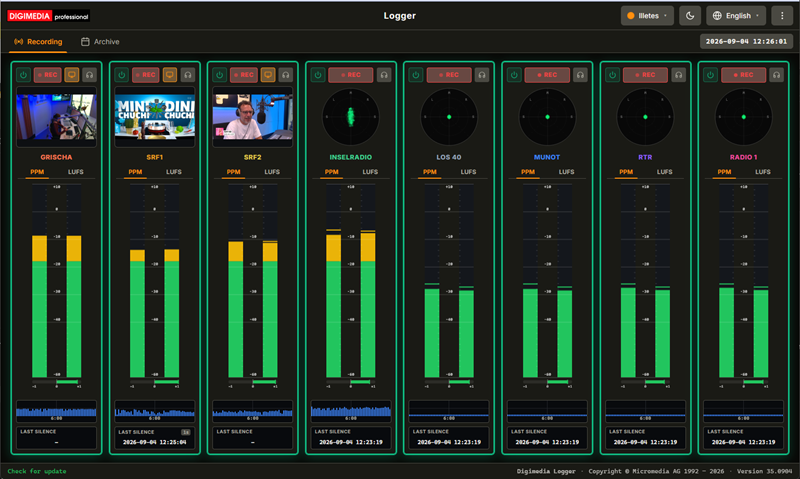
Free ToolContinuous 24/7 logging for compliance and airchecks — up to eight audio and video channels, silence alarms, and a browser archive with instant trimmed exports.
Windows
Details
Public Beta
Download Beta Version —
Dynamics
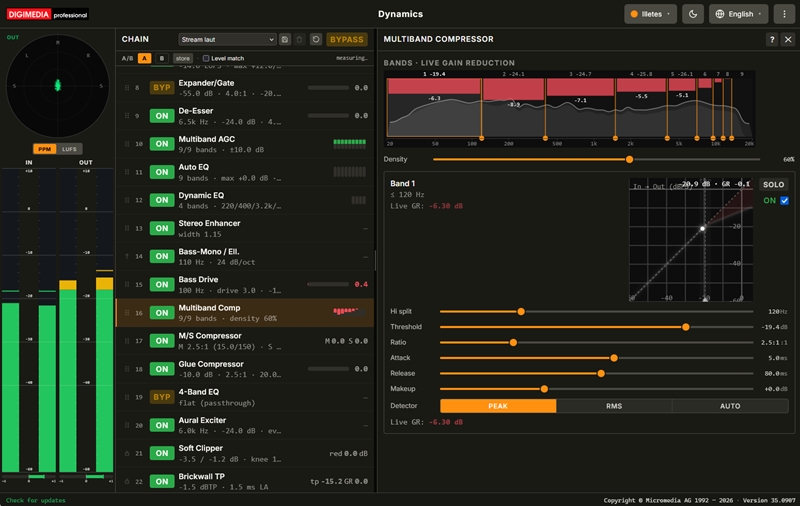
Free ToolA broadcast audio processor: twenty-five stages from de-clipping and hum removal through multiband levelling to a true-peak limiter, plus eight slots for your own plugins. Dynamics streams straight to your listeners, runs unattended as a service and is configured entirely from a browser.
Windows
Details
Public Beta
Download Beta Version —
Deepfilter
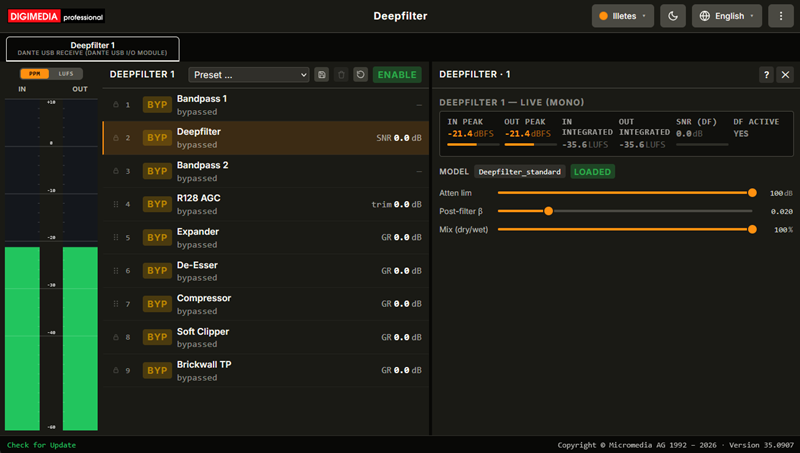
Free ToolNeural noise suppression for speech followed by a nine-stage broadcast chain, with one independent instance per soundcard — up to eight, each with its own model and its own settings, running unattended as a service.
Windows
Details
Beta phase running
Transcript
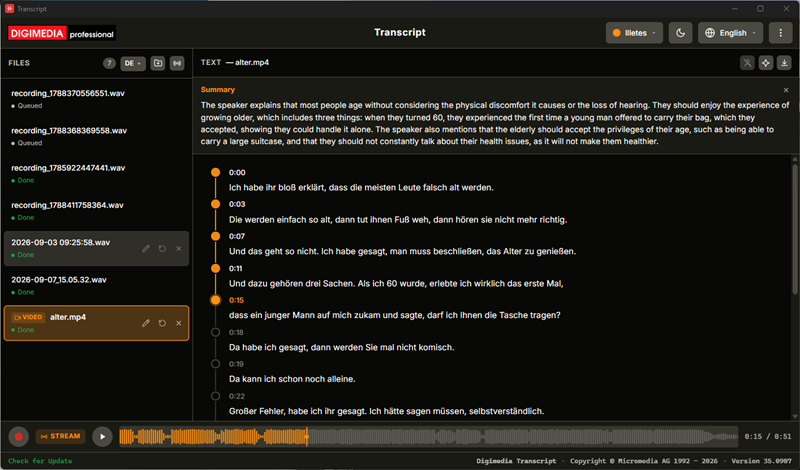
Free ToolOffline speech-to-text for audio and video. Transcribe an existing file or record live, correct the text against the waveform, name the speakers, and export as HTML, text, RTF or subtitles — with recognition running on your own machine.
Windows · macOS
Details
Public Beta
Download Beta Version —
Player
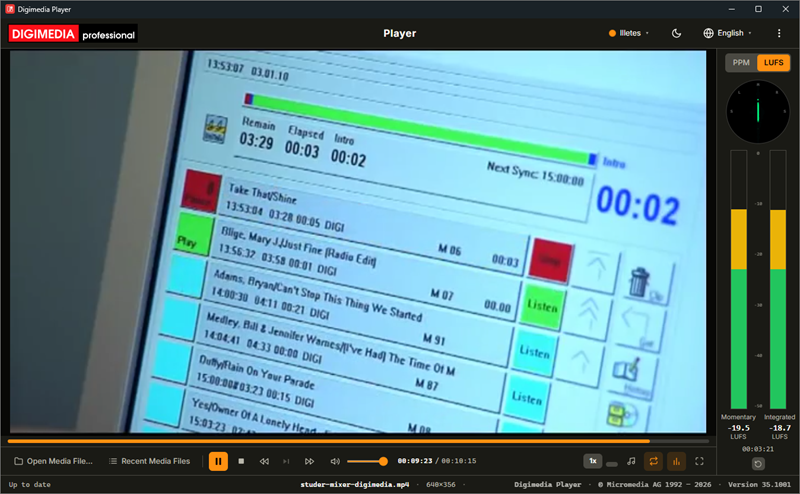
Free ToolBroadcast video and audio playback with the level meters a control room needs beside the picture: a peak meter with phase correlation, a loudness meter to ITU-R BS.1770 and a goniometer. Step through frames, change the speed, correct the aspect ratio, and output the sound over WASAPI or ASIO.
Windows · macOS
Details
Public Beta
Download Beta Version —
Reporter
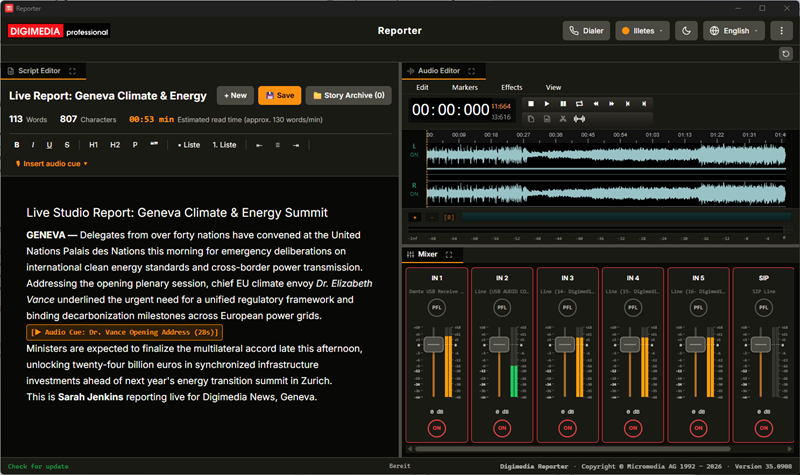
Free ToolA journalism workstation: write the script and see its read time, cut the audio, take the line to the studio over a broadcast codec, and mix it — four tools in one docking layout.
Windows · macOS
Details
Coming soon
Smarttool
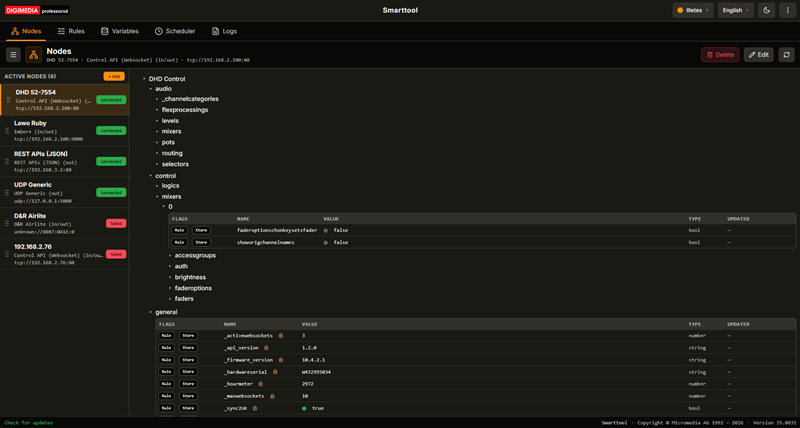
Free ToolA control hub that connects the devices in a system to each other. It learns each one's parameters, then links them with live rules and scheduled tasks — across protocols that were never meant to talk.
Windows
Details
Beta phase running
Download Beta Version —
Visualradio
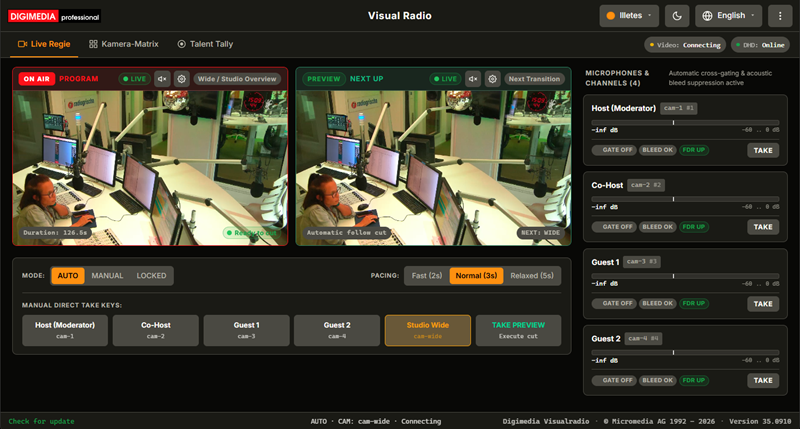
Free ToolAn automatic camera director for radio. It follows microphone levels and console fader states, cuts between presenter cameras and a wide shot, and drives ATEM, OBS Studio and vMix, as well as PTZ cameras — with no video operator in the room.
Windows Service
Details
Beta phase running
Scheduler
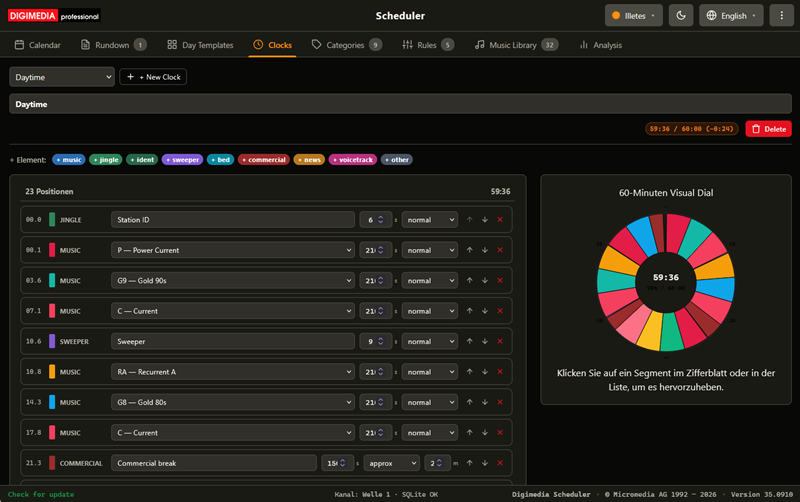
Free ToolMusic scheduling and rotation for radio: categories that come round on time, artist and title separation, hour clocks and day templates, and a finished broadcast day published straight to Digimedia Playout.
Windows Service
Details
Coming early 2027
Producer
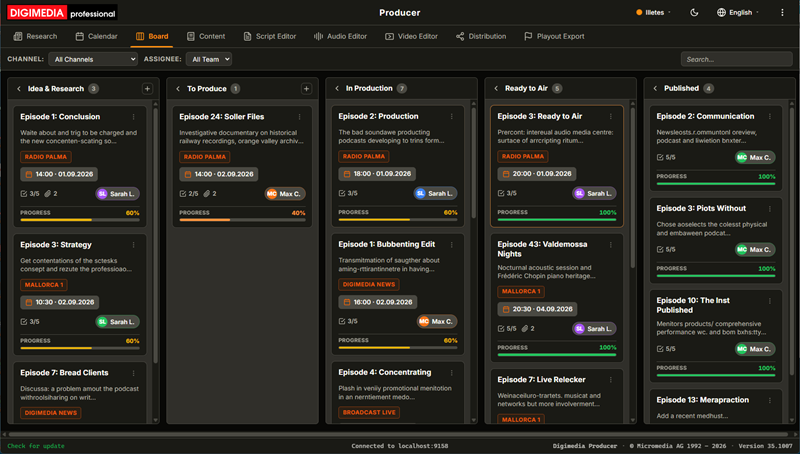
Free ToolResearch, plan, create and publish content for podcast and broadcast — newsroom feeds, an AI copilot on your own server, a production board and calendar, a rundown editor with teleprompter, built-in audio and video studios, and publishing to podcast directories, YouTube and playout.
Windows · macOS
Details
Coming Q1 2027
About
Built by Micromedia AG
Digimedia is the broadcast software brand of Micromedia AG, building tools for broadcasters since 1992.
Everything is engineered around one rule: when you're on air, it has to work.
Digimedia speaks the audio-over-IP standards your studio already runs — AES67, RAVENNA, Dante and Axia/Livewire — so it fits into your existing infrastructure instead of replacing it. Micromedia AG is also an official dhd.audio distributor, bringing DHD consoles and Digimedia software together from a single source.
Our experience runs deeper than these six tools: we also build studio communication systems end to end — SIP phones and codecs, video-wall compositing, audio routing across Dante, Livewire and RAVENNA, automated music and clock scheduling, AI-assisted music analysis, and the dynamics, noise suppression and text-to-speech processing that shape the on-air sound.
Micromedia AG combines classic Visual Studio and GCC C++ with modern JavaScript technologies powered by Vite. While our core engines and libraries are built on C++ code developed and optimized over the last 35 years, the user interfaces are based on modern JavaScript technologies and implemented with the help of state-of-the-art vibe-coding — giving our proven technologies a fresh look and feel.
- Swiss software house since 1992
- Built for professional AoIP studios
- Direct support from the developers
- Developed by experienced software engineers
- macOS, Windows and Linux development
- From small single-binary apps to large client-server systems with 1000+ clients


Contact
Talk to us
Questions about modules, licensing or a deployment? We're happy to help.